
Download FolderSync – File Sync, Cloud Backup, Automation, Secure Transfer
Overview
FolderSync is a mobile application designed to streamline file synchronization across local devices and cloud storage platforms. Its primary purpose is to enable users to maintain consistent, up-to-date backups of important data such as photos, videos, documents, and other digital assets. By establishing folder pairs—where one folder acts as the source and another as the destination—users can automate the transfer of files with minimal manual effort. This functionality addresses common challenges related to data loss, inconsistent backups, and fragmented file management across multiple devices.
The app is particularly useful for individuals who manage large volumes of digital content, including remote workers, photographers, students, and small business owners. It offers a reliable solution for maintaining data integrity and accessibility, especially when working across different environments. The developer did not provide additional background information, but the app’s feature set suggests a focus on technical reliability and user control.
Real-world use cases include daily photo backups from a smartphone to Google Drive, automated document synchronization between a tablet and Dropbox, and secure file transfers via SFTP for professional users. In the broader app ecosystem, FolderSync fills a niche for users seeking a dedicated, customizable file sync tool that goes beyond the basic capabilities of built-in cloud services.
Key Features & Functionality
FolderSync provides a robust set of tools tailored for advanced file management and automation. The core functionality revolves around creating synchronized folder pairs, allowing users to define specific source and destination directories. This setup supports both one-way and two-way sync, giving users full control over how and when files are transferred.
- Automation Options: Users can schedule sync tasks to run at specific intervals or trigger them based on device events, such as startup or Wi-Fi connection. This reduces dependency on manual actions and ensures backups occur consistently.
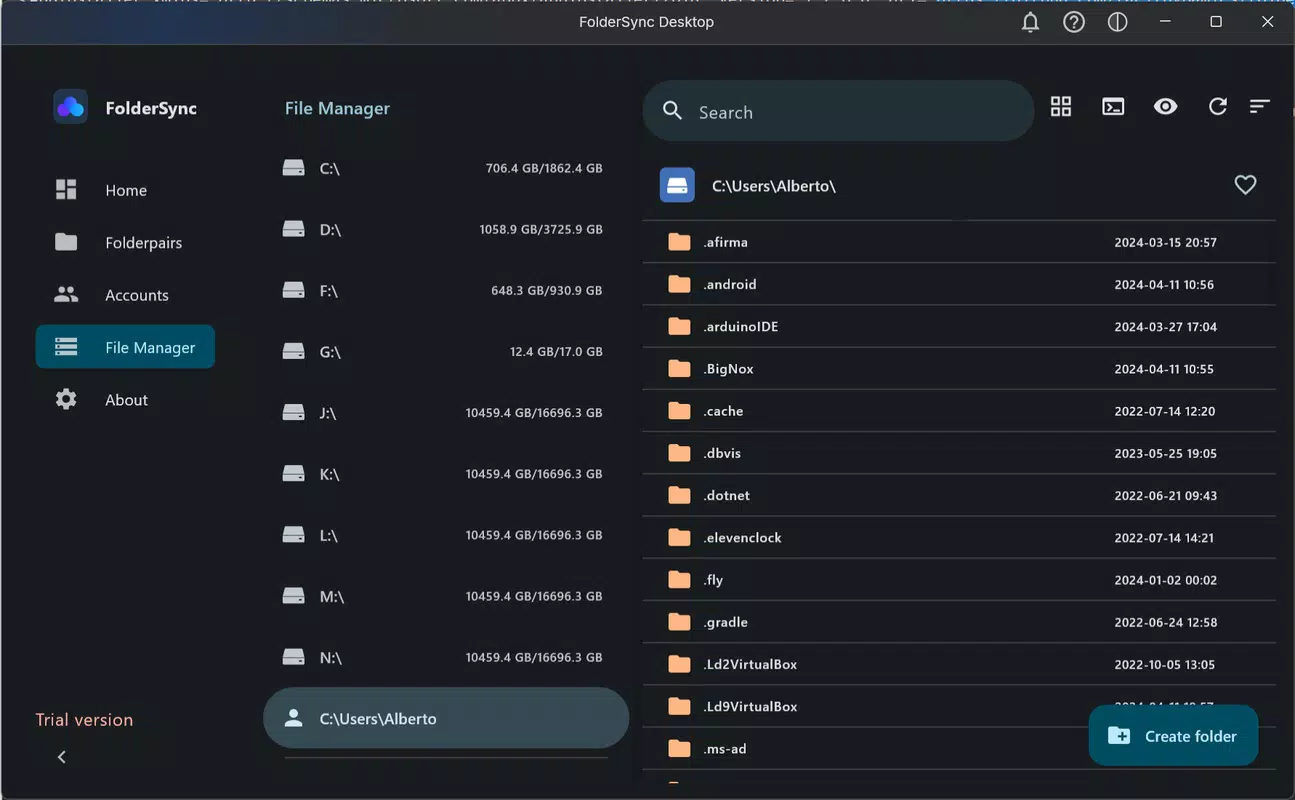
- Built-in File Browser: The app includes an integrated file browser that allows users to view, navigate, and manage files directly within the interface. This eliminates the need to switch between multiple apps, improving workflow efficiency.
- Extensive Cloud Support: FolderSync integrates with major cloud platforms including Google Drive, Dropbox, and Amazon S3. This compatibility enables users to leverage their preferred storage solutions without compromising functionality.
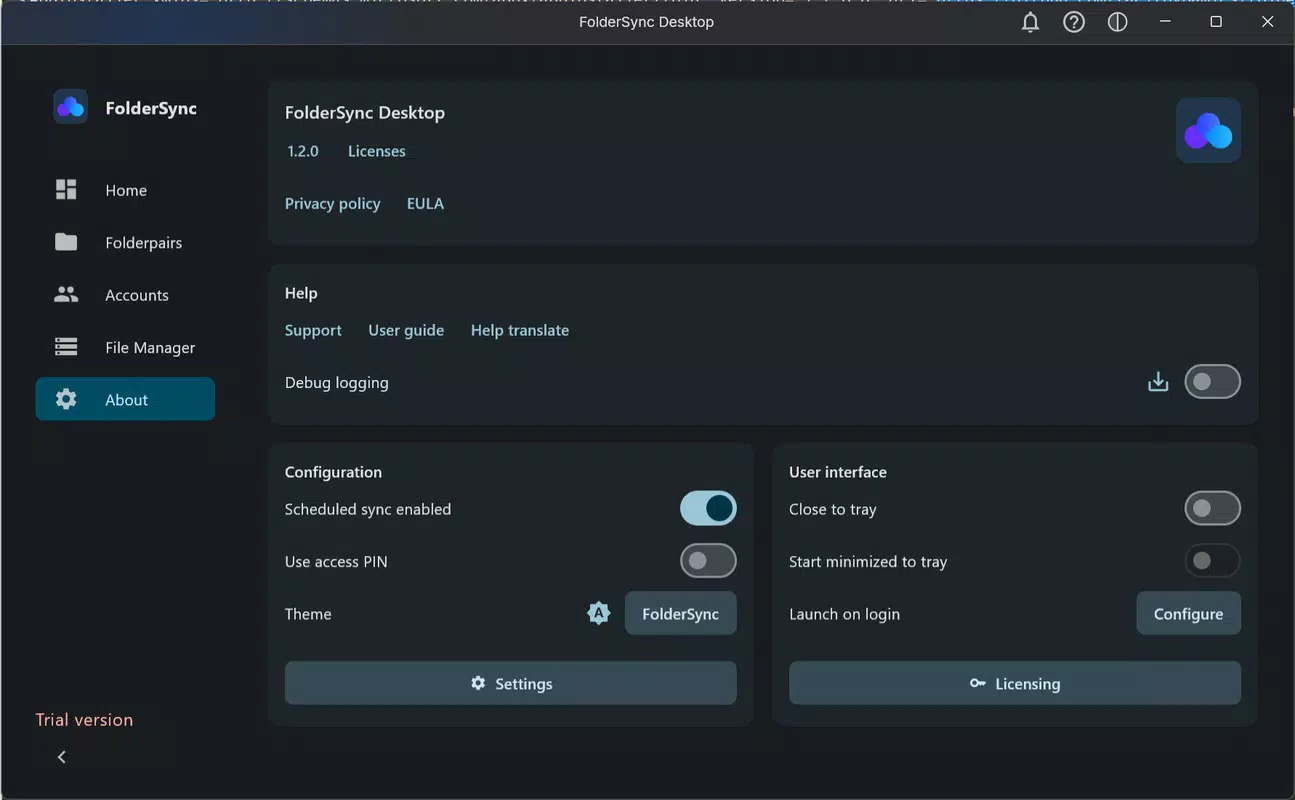
- Robust Security Features: A PIN-based access restriction ensures that only authorized users can modify sync settings or view sensitive data. This adds a critical layer of protection for personal and professional files.
- Versatile Network Protocols: Support for FTP, SFTP, and WebDAV allows secure and flexible file transfers across diverse network environments, making the app suitable for both personal and enterprise use.
These features collectively enhance productivity by reducing redundancy, minimizing human error, and ensuring data availability. For example, a freelance photographer can set up automatic daily syncs of edited images to a secure cloud folder, while a remote employee can maintain real-time document updates across multiple devices.
Interface, UX & Performance
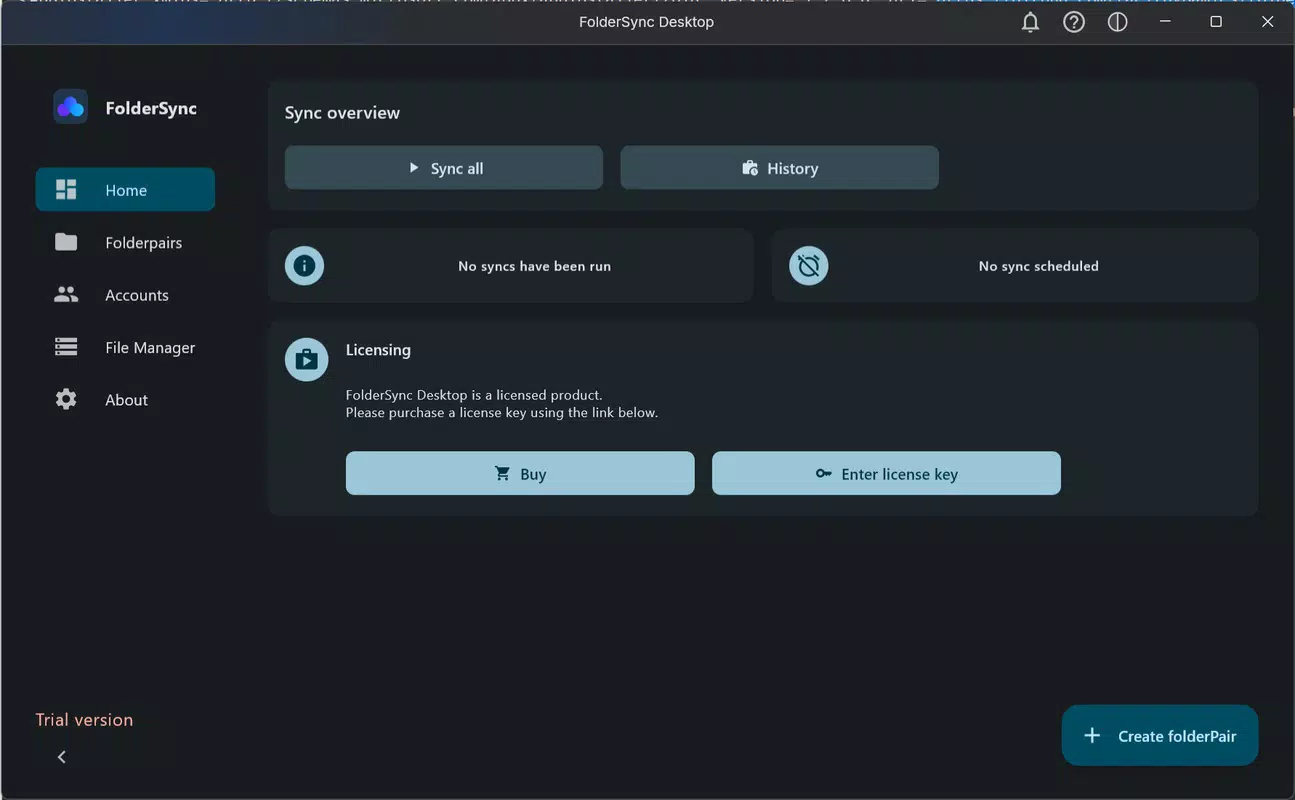
FolderSync presents a clean, functional interface designed with practicality in mind. The layout emphasizes clarity and direct access to core functions, with intuitive navigation that guides users through setup and management tasks. Visual elements are minimal yet effective, prioritizing usability over decorative design.
Navigation flows logically from folder pairing to sync configuration, with clear labels and consistent iconography. The built-in file browser enhances usability by allowing users to perform common actions—such as selecting files, viewing metadata, and deleting items—without leaving the app. This reduces context switching and improves overall efficiency.
Although the developer did not list formal performance metrics, the app’s design suggests optimization for responsiveness across a range of device categories. Users can expect stable operation during sync tasks, with minimal impact on battery life or system resources. The app maintains stability during long-running transfers and handles interruptions gracefully, preserving sync integrity.
Responsiveness is maintained even when managing large file sets or multiple sync profiles. The interface remains accessible and usable during background operations, allowing users to monitor progress or adjust settings as needed.
Platform Compatibility & Technical Requirements
FolderSync is available on Android, supporting the latest version of the operating system. The app has a file size of 12.5 MB, making it lightweight and suitable for devices with limited storage capacity. The developer did not specify minimum OS requirements, nor did they provide detailed hardware compatibility information.
Users should ensure their device meets standard Android system prerequisites for app installation and operation. Specific requirements were not listed, so compatibility may vary depending on device configuration and available system resources. The app’s lightweight footprint suggests broad accessibility across mid-range and high-end Android devices.
Pros and Cons
Pros
- Supports multiple cloud services and network protocols for flexible file management.
- Automated sync scheduling reduces manual intervention and improves consistency.
- Integrated file browser streamlines file handling without switching apps.
- Pin-based security enhances data protection for sensitive content.
- Lightweight design with low resource consumption.
Cons
- Developer did not provide detailed system requirements or compatibility specifications.
- No public information on update frequency or long-term development roadmap.
- Interface may feel technical for casual users unfamiliar with sync concepts.
- Limited documentation or in-app guidance for new users.
- No indication of cross-platform support beyond Android.
FAQ
Is FolderSync safe to use?
Yes, FolderSync includes a PIN-based access control system to restrict unauthorized use. It also supports secure protocols like SFTP and HTTPS for data transmission, ensuring that files are protected during transfer.
Can I use FolderSync with Google Drive and Dropbox?
Yes, the app supports integration with Google Drive, Dropbox, and other major cloud storage providers. Users can configure sync tasks between their local folders and these services.
Does FolderSync work on iOS devices?
The developer did not disclose iOS compatibility. The app is confirmed to be available on Android, but platform availability on iOS remains unverified.
How often can I schedule syncs?
Users can set sync tasks to run at custom intervals, such as hourly, daily, or on specific days. The app also allows syncs to trigger automatically when certain conditions are met, like connecting to Wi-Fi.
Is FolderSync free to download?
While the app is available for download, the exact pricing model was not disclosed. Users should check the official store listing for current pricing and availability.
Final Thoughts
FolderSync stands out as a powerful, customizable tool for users who demand reliable and secure file synchronization. Its combination of automation, multi-protocol support, and built-in security makes it ideal for professionals, creatives, and anyone serious about maintaining consistent backups. The app delivers a focused experience without unnecessary bloat, prioritizing functionality and control.
While the lack of detailed technical documentation and platform transparency limits full clarity, the app’s core features are well-executed and practical. For users seeking a dependable file sync solution with advanced capabilities, FolderSync offers strong value.
Download FolderSync now


